Beautiful Leaflet Markers with Folium and Font Awesome

TIL how to use fontawesome markers with folium.
Folium is a Python library that creates and displays interactive maps using the Leaflet.js library. It can render powerful and visually appealing maps with markers, polygons, heatmaps, and other geographic elements. Folium is easy to use and offers many options for customizing maps and displayed elements.
Minimal marker
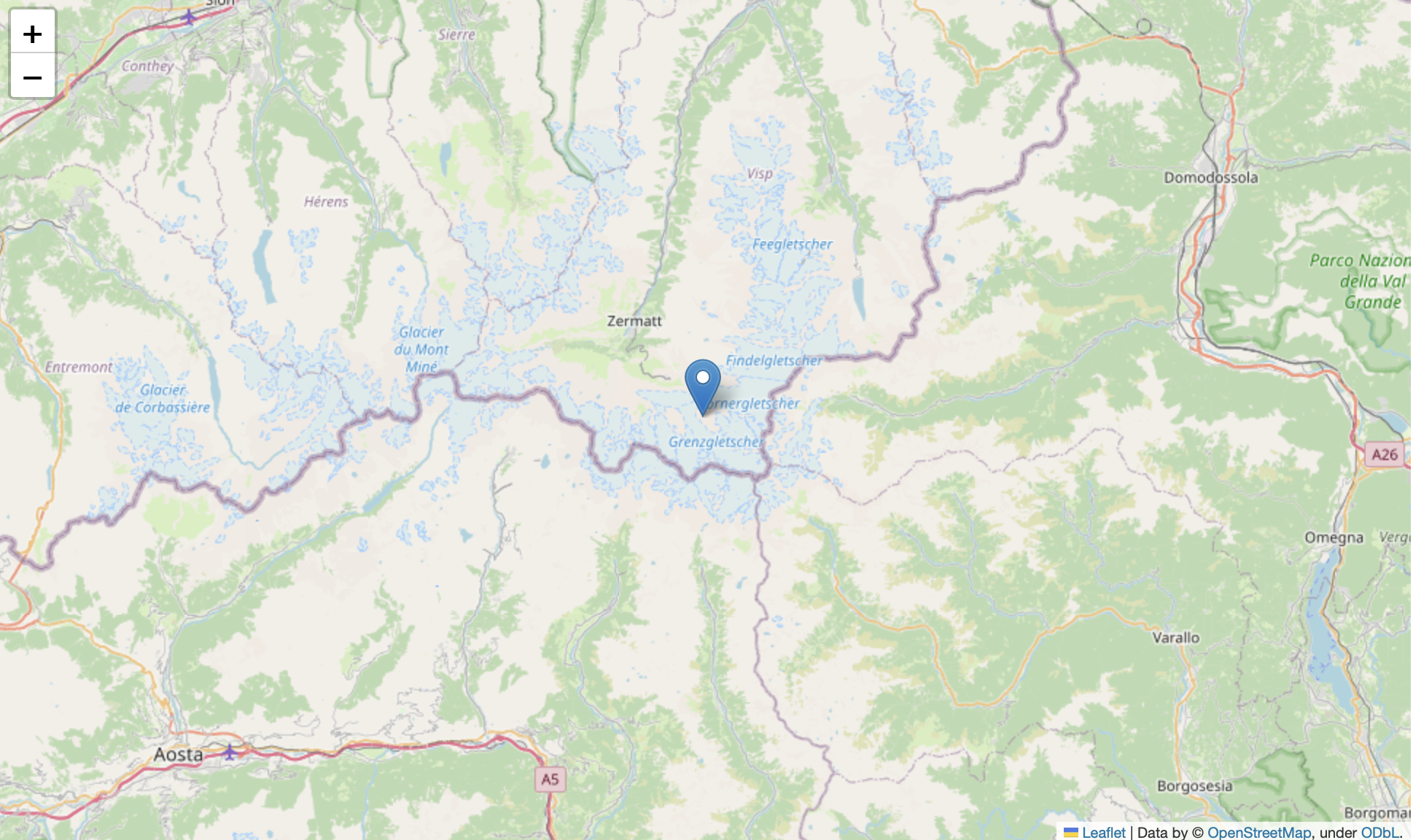
The minimal example just adds a marker at a specific location:
import folium
loc = [45.957916666667, 7.8123888888889]

m = folium.Map(location=loc, zoom_start=13)

folium.Marker(
    location=loc
).add_to(m)
m
Marker with a Bootstrap icon
Markers can be customized by providing an Icon instance. By default, you can use Bootstrap Glyphicons, which provide over 250 glyphs for free:
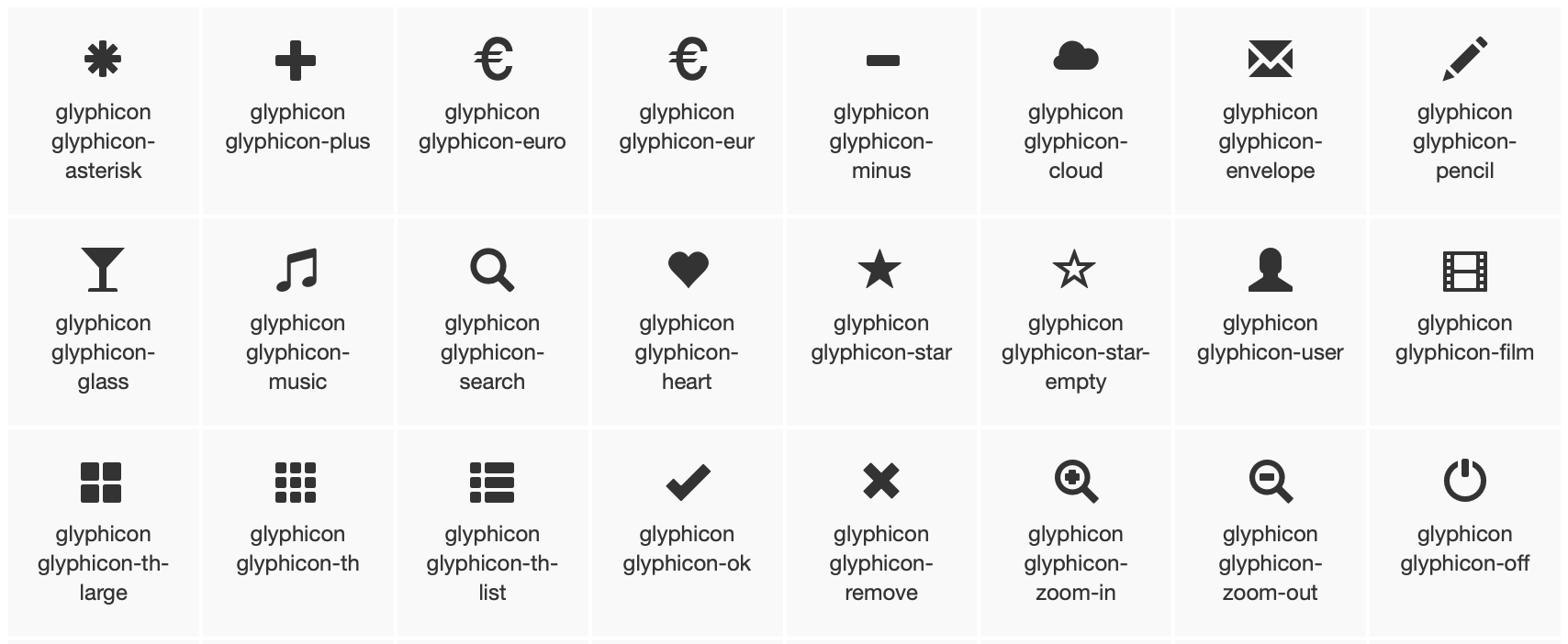
Additionally, you can color the marker. Available color names are red blue green purple orange darkred lightred beige darkblue darkgreen cadetblue darkpurple white pink lightblue lightgreen gray black lightgray.
m = folium.Map(location=loc)

folium.Marker(
    location=loc,
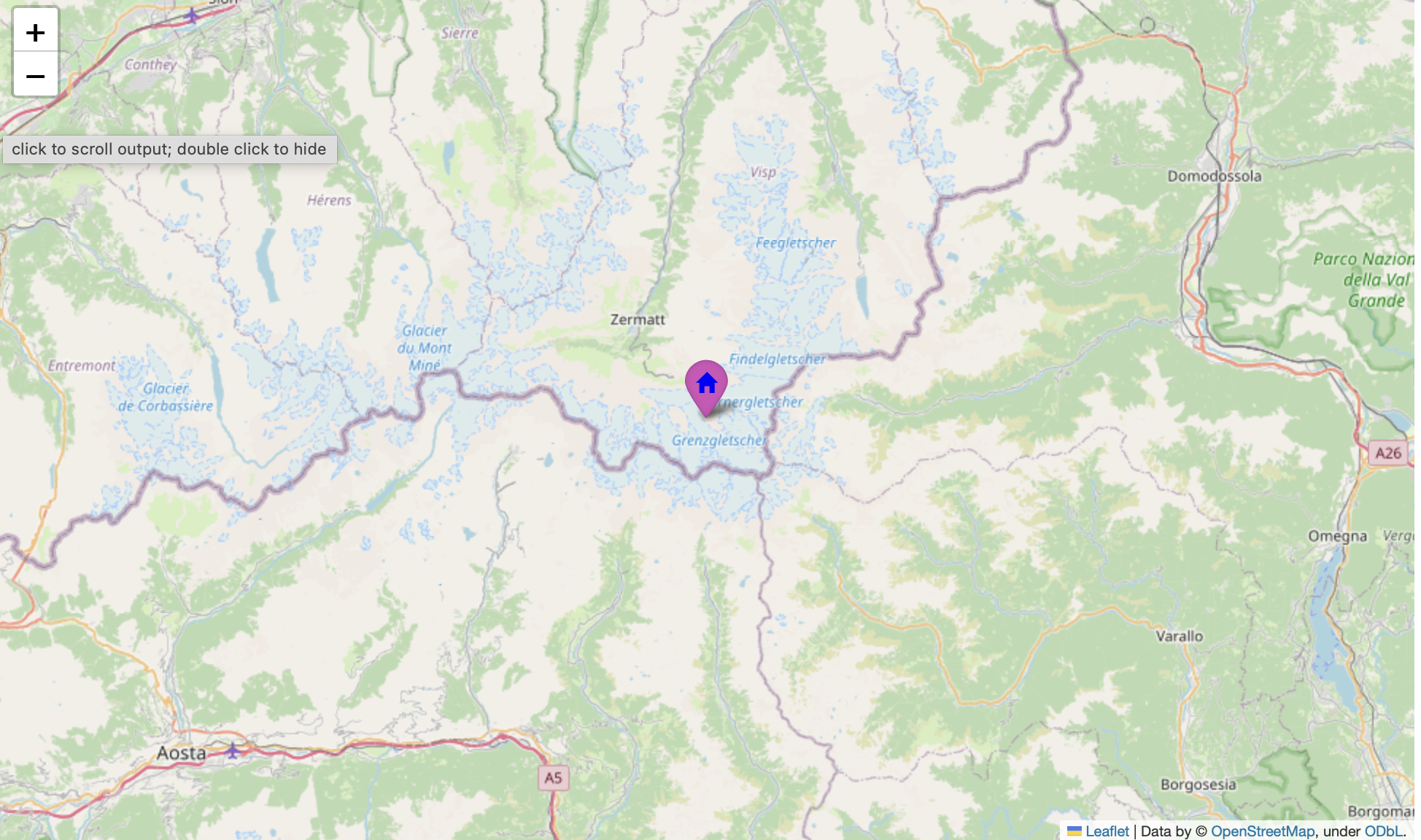
    icon=folium.Icon(icon="home",
                     color="purple",
                     icon_color="blue")
).add_to(m)
Marker with a Font Awesome icon
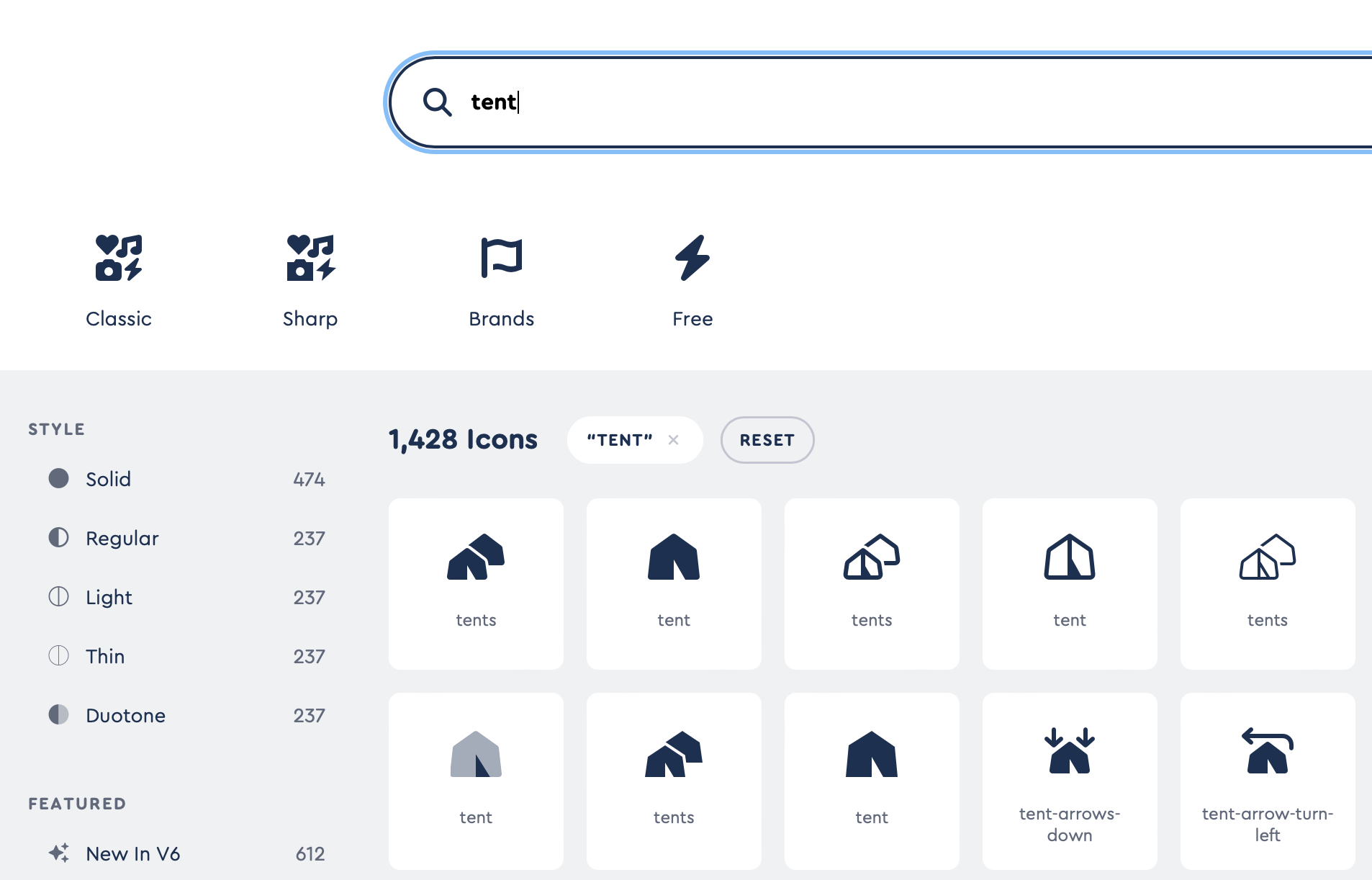
Font Awesome is a collection of scalable vector icons that can be customized and used in many ways, such as in design projects, websites, and applications. The icons are available in different styles (Solid, Regular, and Brands) and can be integrated by adding the fa prefix.
m = folium.Map(location=loc)
folium.Marker(
    location=loc,
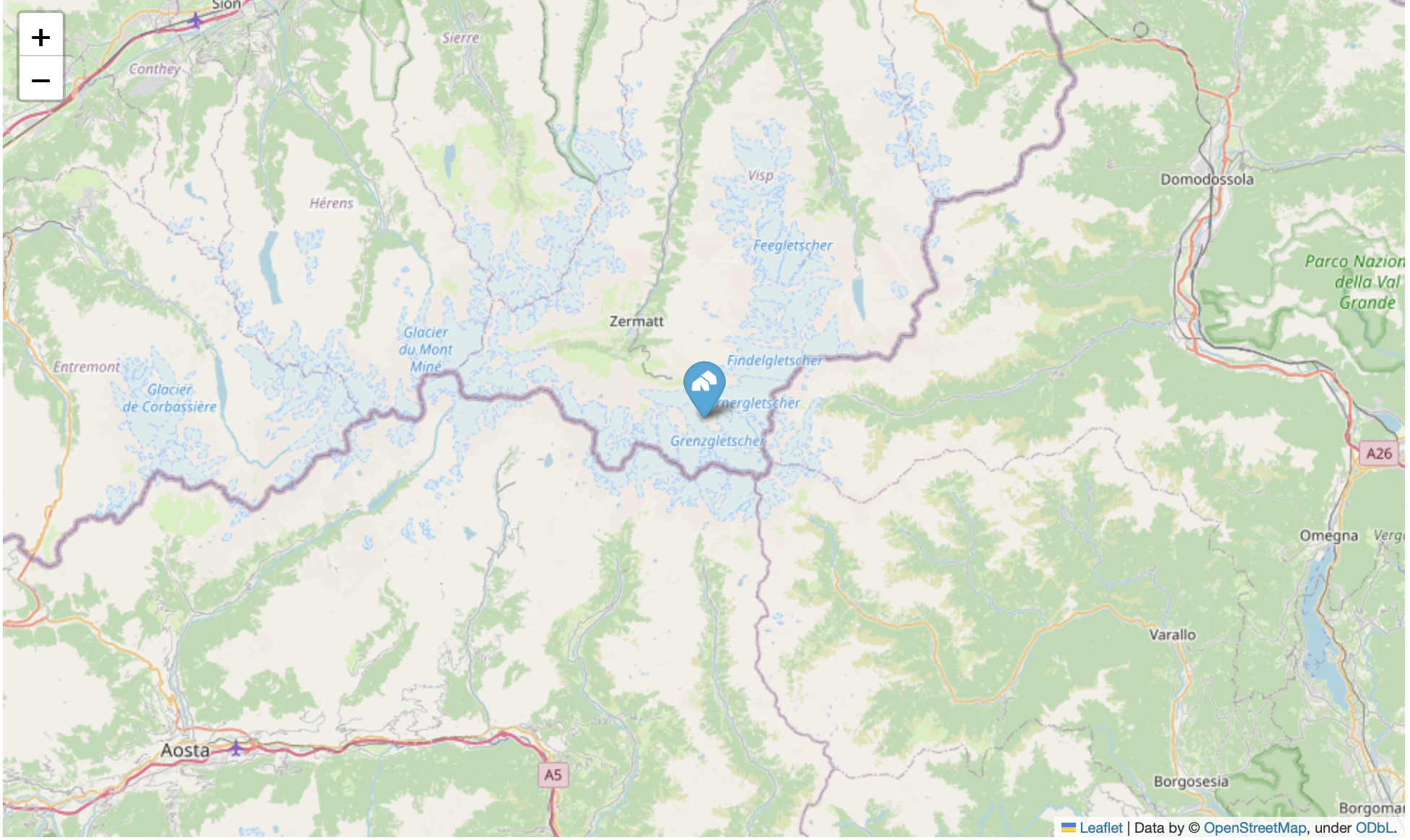
    icon=folium.Icon(icon="tents", prefix='fa')
).add_to(m)
Extended marker customization with BeautifyIcon
The Leaflet Beautify Marker plugin is a lightweight plugin that adds colorful, iconic markers without images for Leaflet, giving full control of style to the end user (e.g., unlimited colors and more).
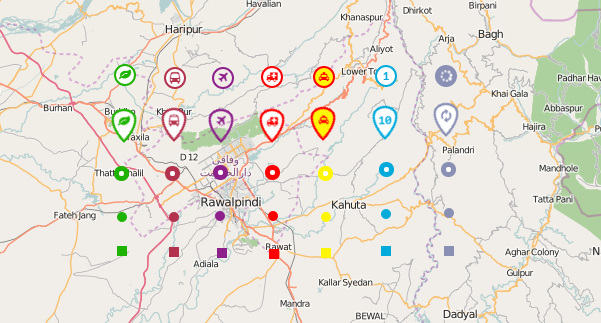
It is exposed to Folium via the BeautifyIcon plugin.
Supported icon shapes are circle circle-dot doughnut rectangle rectangle-dot marker, and the color can be either one of the predefined options or any valid hex code.
import folium.plugins as plugins

folium.Marker(
    location=loc,
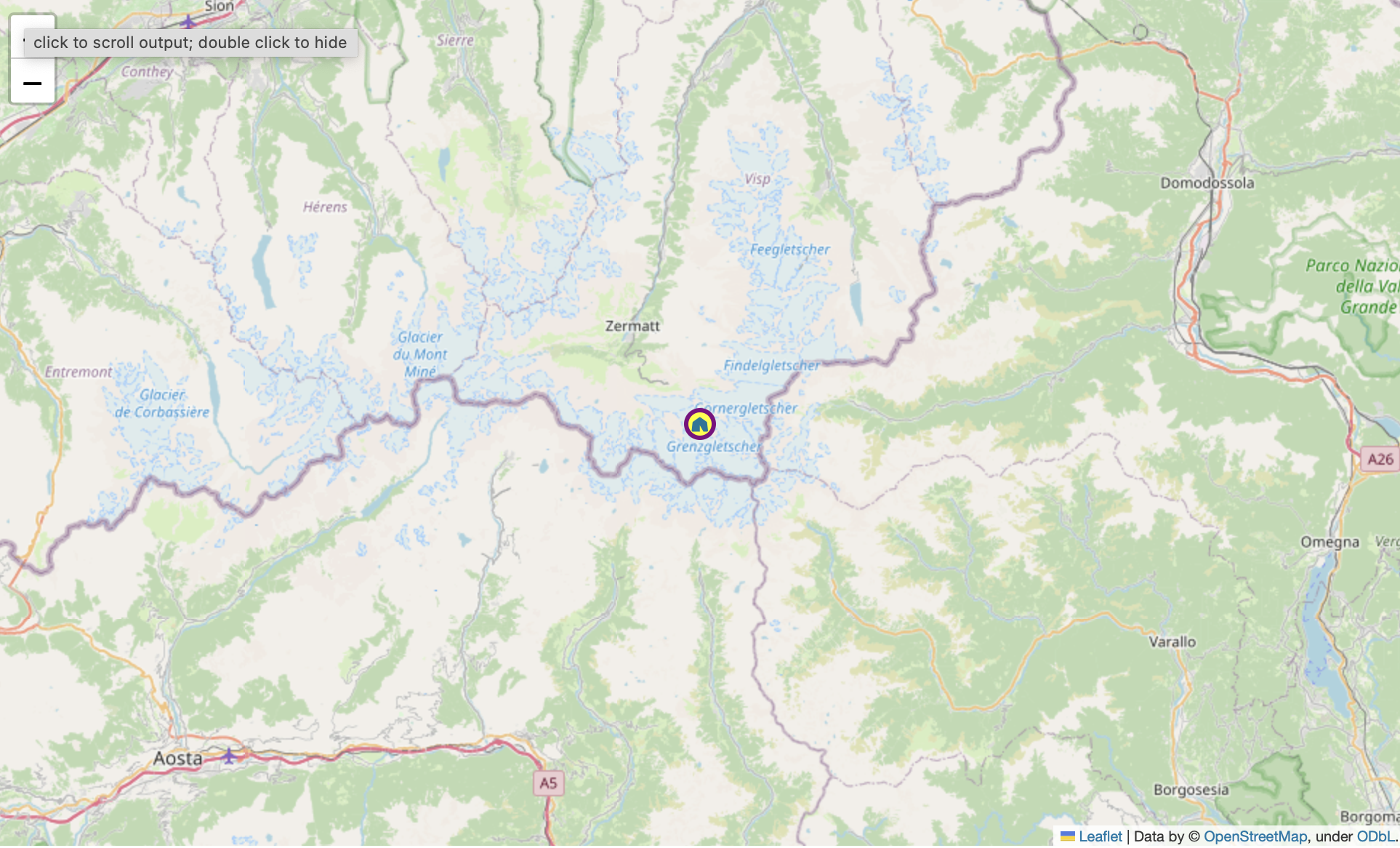
    icon=plugins.BeautifyIcon(
                     icon="tent",
                     icon_shape="circle",
                     border_color='purple',
                     text_color="#007799",
                     background_color='yellow'
                 )
).add_to(m)
Custom markers with a DivIcon
If you want to add more textual information, you can use plain HTML with a DivIcon. A DivIcon represents a lightweight icon for markers that uses a simple div element instead of an image.
from folium.features import DivIcon

html = '''
<span style="font-size: 10px; background-color: lightblue;">
<i class="fa-solid fa-tents"></i>
Monte Rosa Hut
</span>
'''

folium.Marker(location=loc,
              icon=DivIcon(
                  icon_size=(100,20),
                  icon_anchor=(5,5),
                  html=html)
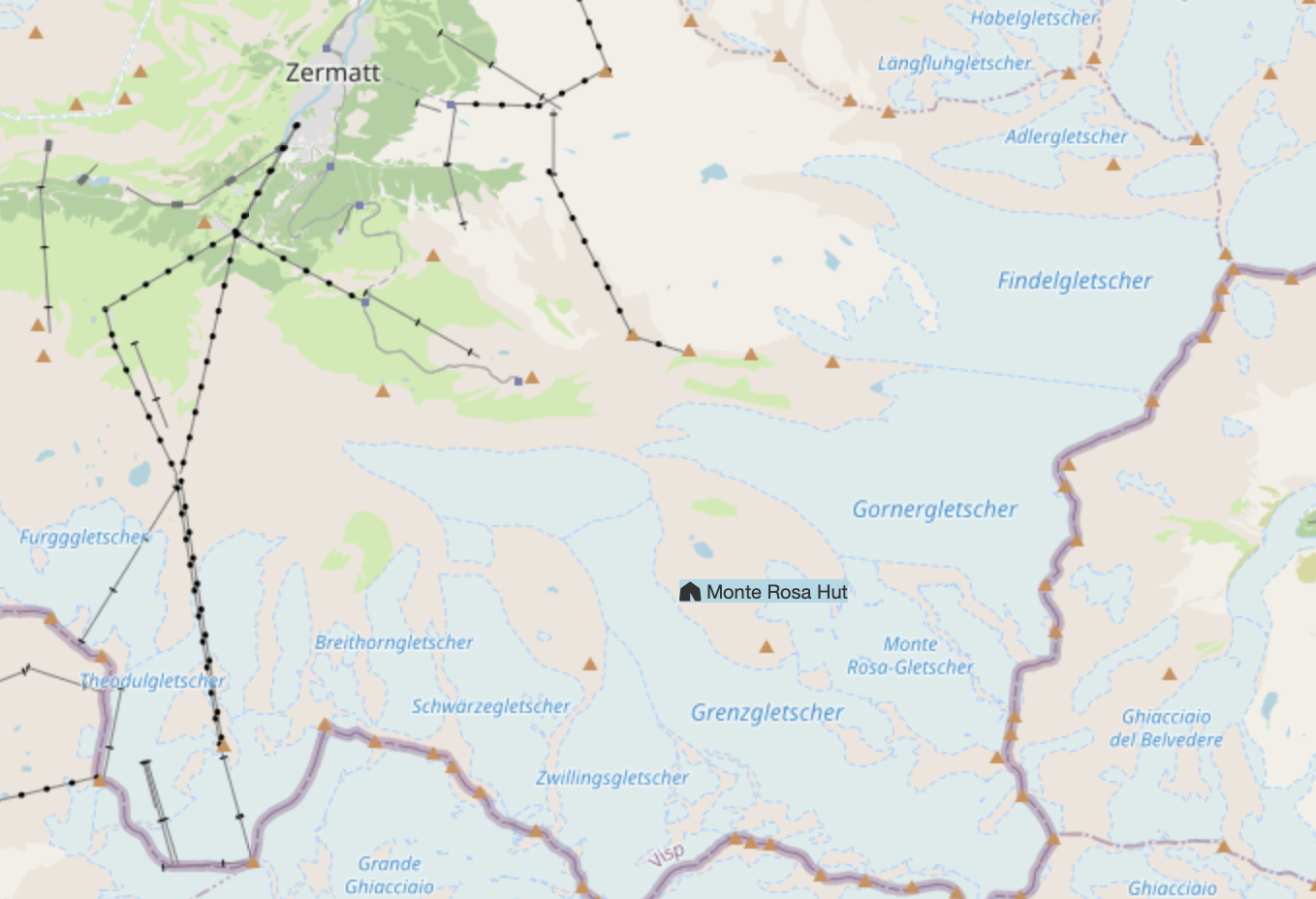
             ).add_to(m)