
Exploring Mountain Huts with SPARQL and Wikidata
Utilize SPARQL and Wikidata to efficiently query and retrieve data on mountain huts based on specified latitude and longitude coordinates.
#python


BlueYonder at PyCon.DE 2023
It's been now 10 years ago when Blue Yonder started the first sponsoring of a python
conference at Europython Florence. Since then we have been either sponsoring
and/or organizing at least one python event per year.
#python
#conference

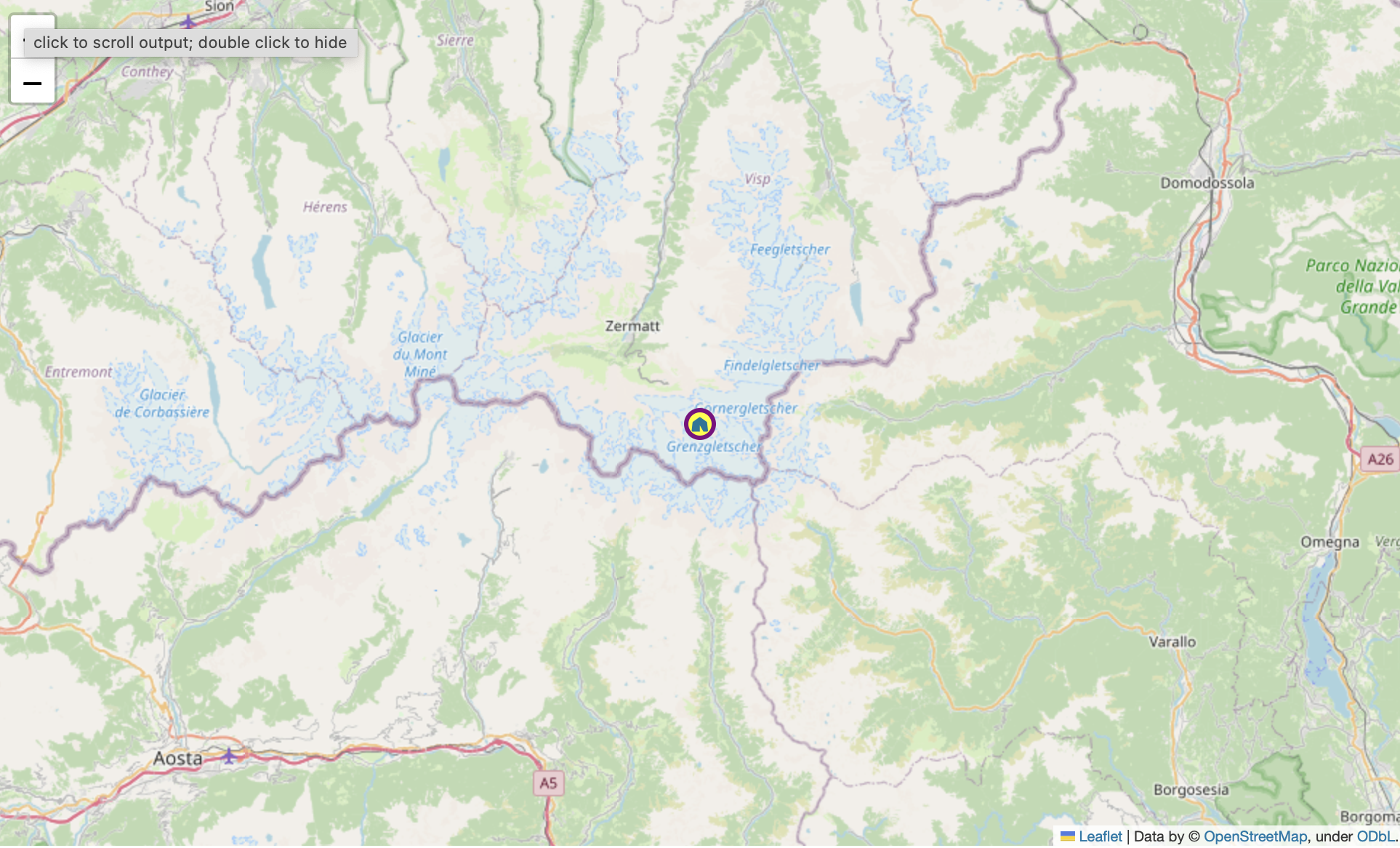
beautiful leaflet markers with folium and fontawesome
TIL how to use fontawesome markers with folium.
#python
#pydata
#visualization
#til
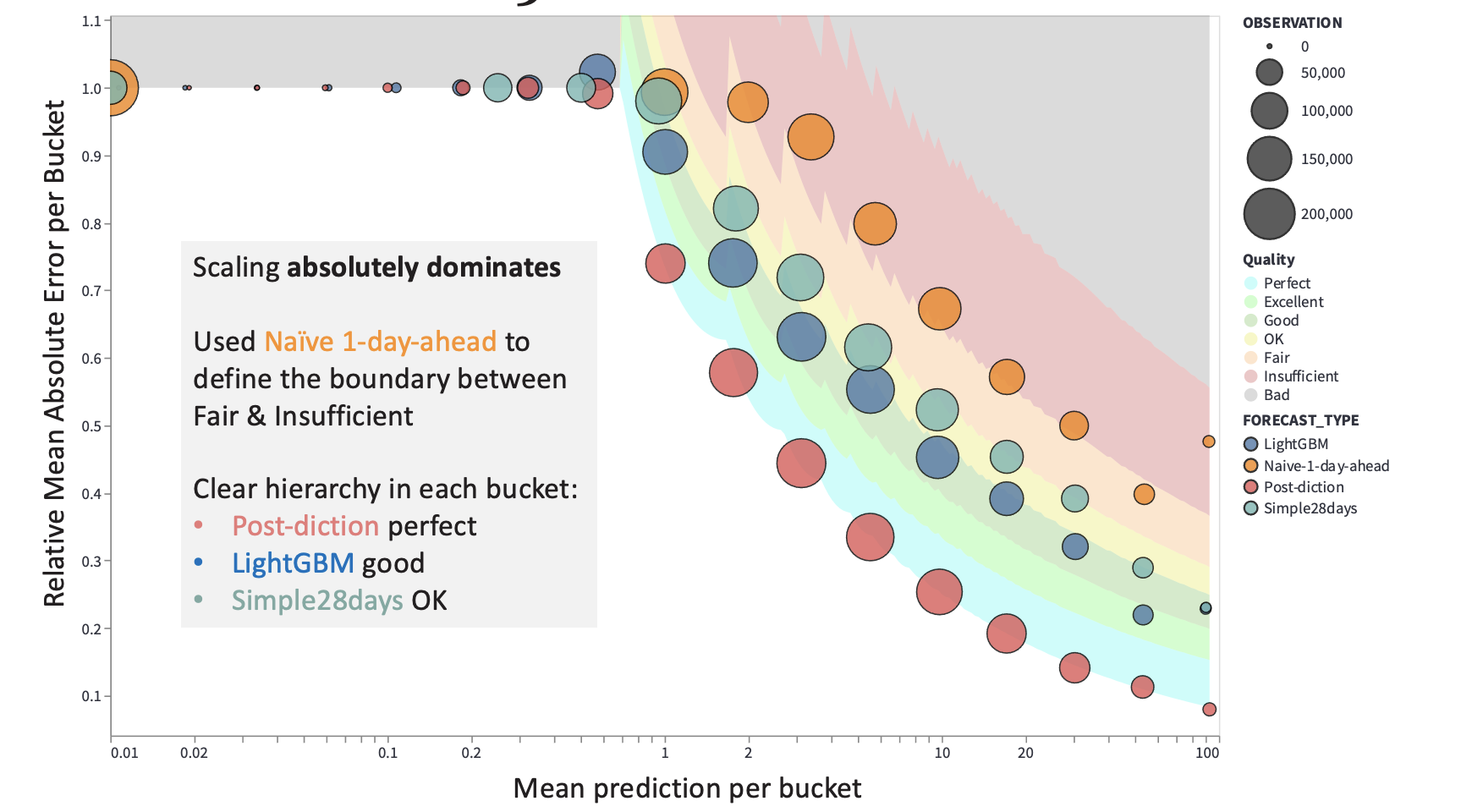
scaling-aware rating of count forecasts
Forecasts crave a rating that reflects the forecast's quality in the context
of what is possible in theory and what is reasonable to expect in practice.
#pydata
#python
#meetup

Python Support in Snowflake
Snowflake offers different ways to access and call python from within their
compute infrastructure. This post will show how to access python in
user defined functions, via stored procedures and in snowpark.
#python
#sql
#snowflake
#pydata

Convert the Himalayan Database to SQLite
Conversion of the Himalayan database of the legendary Elizabeth Hawley from FoxPro to SQLite.
#python
#sql
#mountain

Azure Synapse SQL-on-Demand Openrowset Common Table Expression with SQLAlchemy
Using SQLAlchemy to create openrowset common table expressions for Azure Synapse SQL-on-Demand
#python
#sql
#pydata
#azure

Using turbodbc to access Azure Synapse SQL-on-Demand endpoints
Azure Synapse SQL-on-Demand offers a web client, the desktop version
Azure Data studio and odbc access with turbodbc to query parquet files in
the Azure Data Lake.
#python
#sql
#pydata
#azure
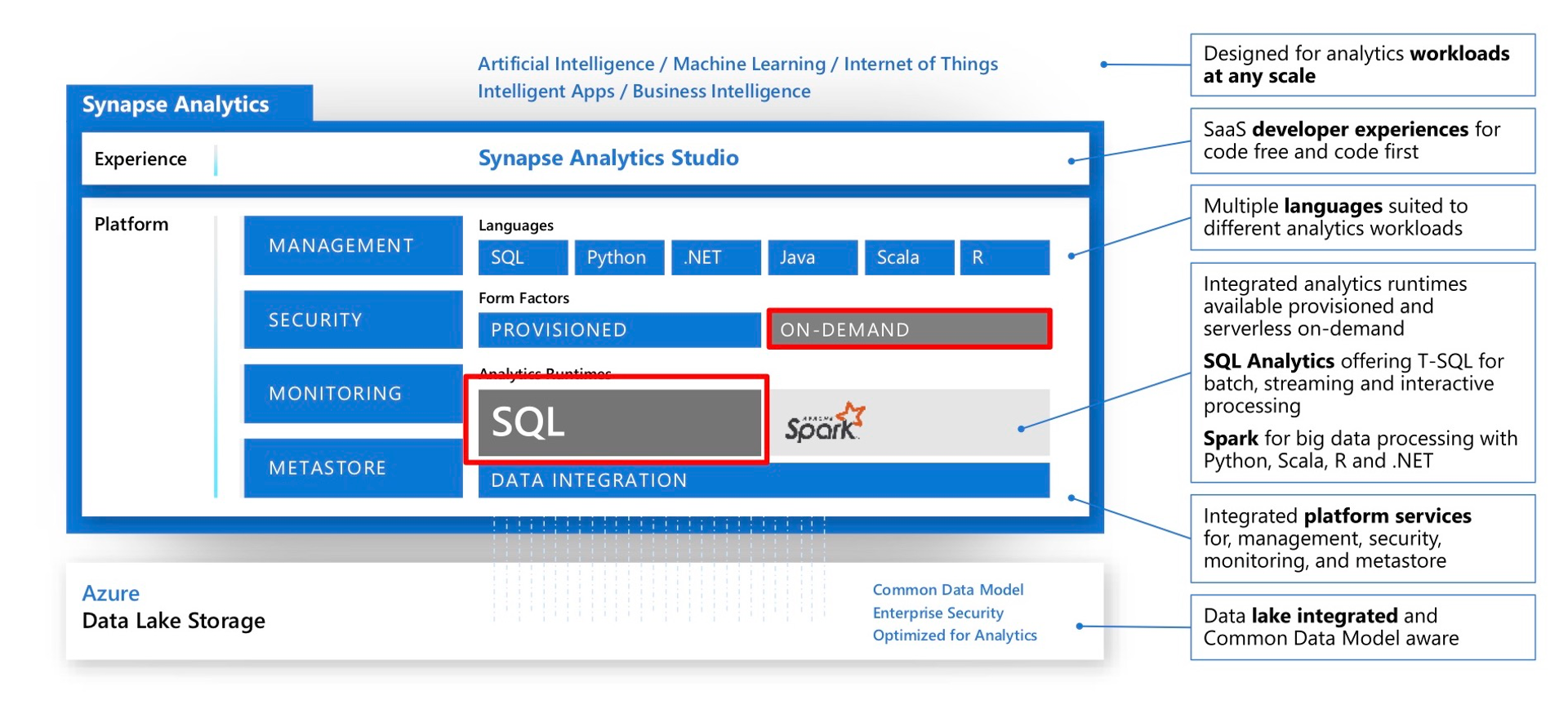
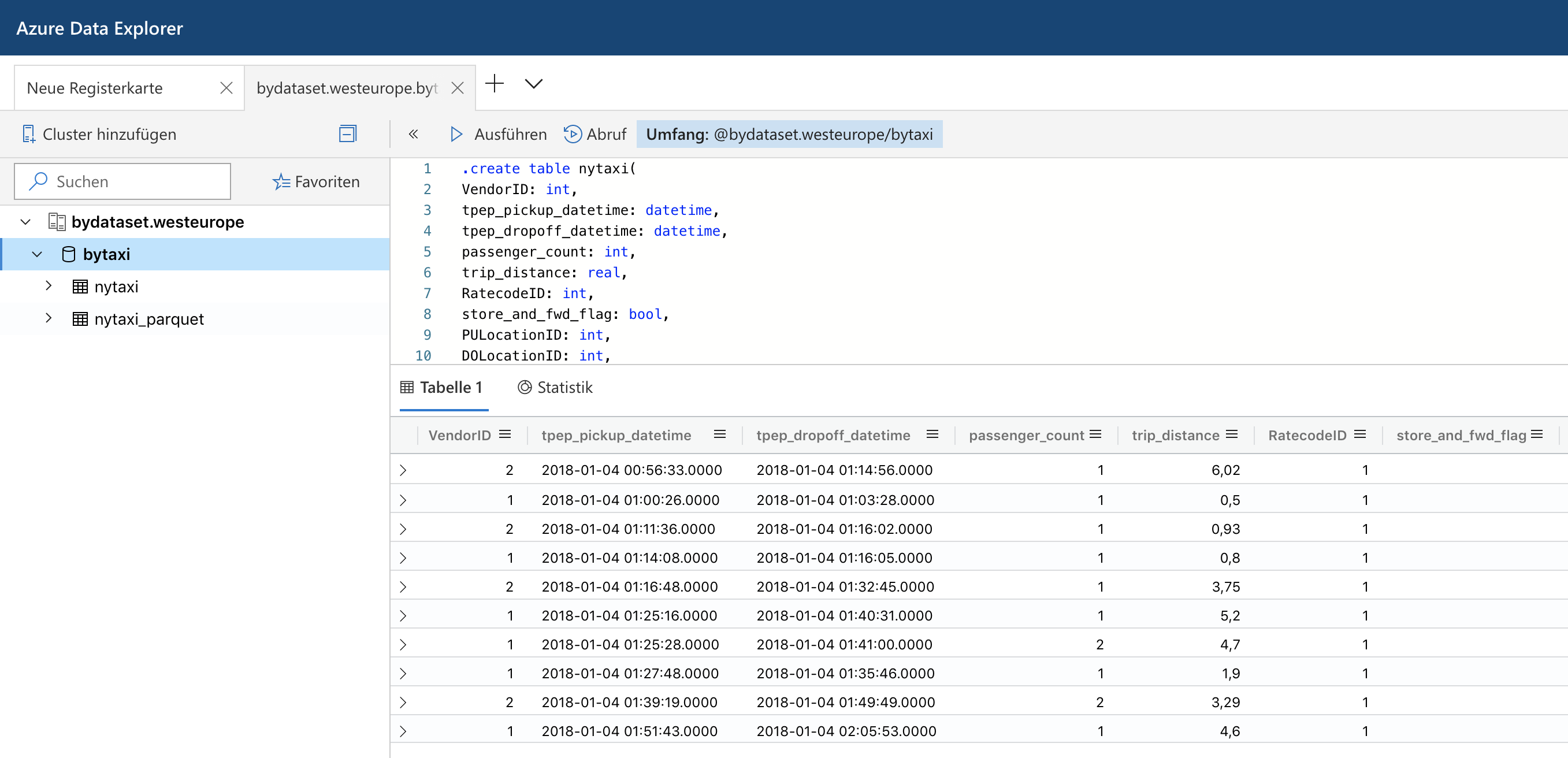
Azure Data Explorer and Parquet files in the Azure Blob Storage
Last summer Microsoft has rebranded the Azure Kusto Query engine as Azure Data Explorer. While it does not support fully elastic scaling, it at least allows to scale up and out a cluster via an API or the Azure portal to adapt to different workloads. It also offers parquet support out of the box which made me spend some time to look into it.
#python
#pydata
#azure
#parquet

Understand predicate pushdown on row group level in Parquet with pyarrow and python
Apache Parquet is a columnar file format to
work with gigabytes of data. Reading and writing parquet files is efficiently
exposed to python with pyarrow. Additional statistics allow clients to use
predicate pushdown to only read subsets of data to reduce I/O.
Organizing data by column allows for better
compression, as data is more homogeneous. Better compression also reduces the
bandwidth required to read the input.
#python
#pydata
#parquet
#arrow
#pandas
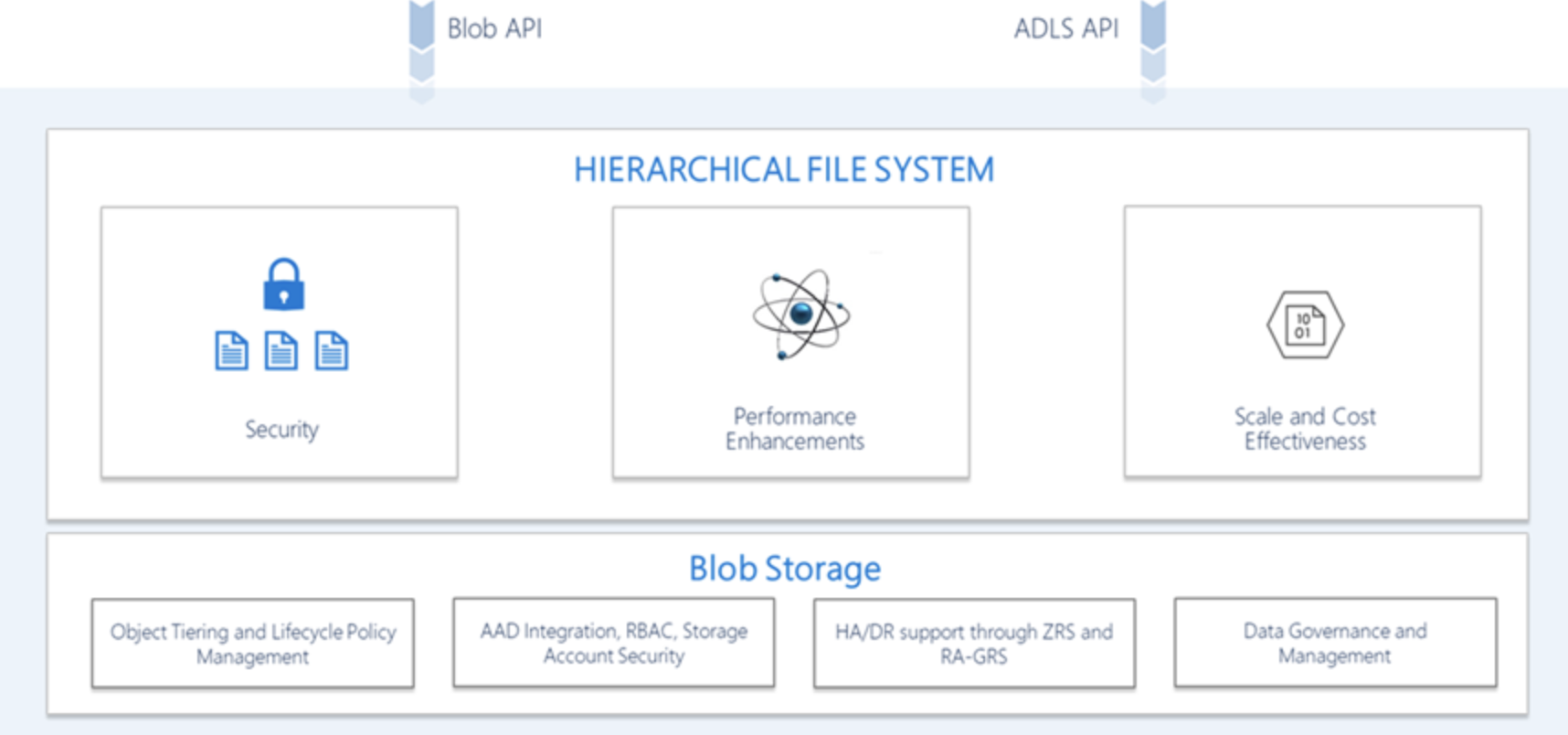
Azure Data Lake Storage Gen 2 with Python
Microsoft has released a beta version of the python client azure-storage-file-datalake for the Azure Data Lake Storage Gen 2 service with support for hierarchical namespaces.
#python
#pydata

Karlsruhe Python Meetup at Blue Yonder
Python Meetup with two talks about python usage in a data science environment
and the different stages of a python package in this environment.
#python
#meetup
#conference

Rust Meetup at Blue Yonder
Rust Meetup in the new Blue Yonder office in Hamburg
#rust
#meetup
#conference

JDA ICON - Enabler of AI - Overview of an AI Architecture
JDA ICON 2019 was all about technology, APIs, AI (Artificial Intelligence)
and ML (Machine Learning).
#python
#talk

Exasol User Group Karlsruhe
Exasol on Microsoft Azure – automatic deployment in less than 30 minutes
#exasol
#azure
#pydata
#talk

PyCon.DE 2018
PyCon.DE 2018 is over. Second time in a row we organized it in ZKM Karlsruhe.
Next year PyCon.DE will move to Berlin.
#python
#conference

EuroSciPy 2018 - Apache Parquet as a columnar storage for large datasets
Apache Parquet is an binary, efficient columnar data format that can be used for high performance data I/O in Pandas and Dask.
#python
#talk

Europython 2018 - Using Pandas and Dask to work with large columnar datasets in Apache Parquet
Apache Parquet is an binary, efficient columnar data format that can be used for high performance data I/O in Pandas and Dask.
#python
#talk

Swiss Python Summit 2018 - 12 Factor Apps for Data-Science with Python
Heroku distilled their principles to build modern cloud applications. These principles have influenced many of our design decisions at Blue Yonder to build a data science platform.
#python
#talk